
"How I Built a Chrome Extension in 5 Minutes": I Tried Making a One-Click Amazon Search Tool
“I wonder if I could make an extension myself?”
2 min read
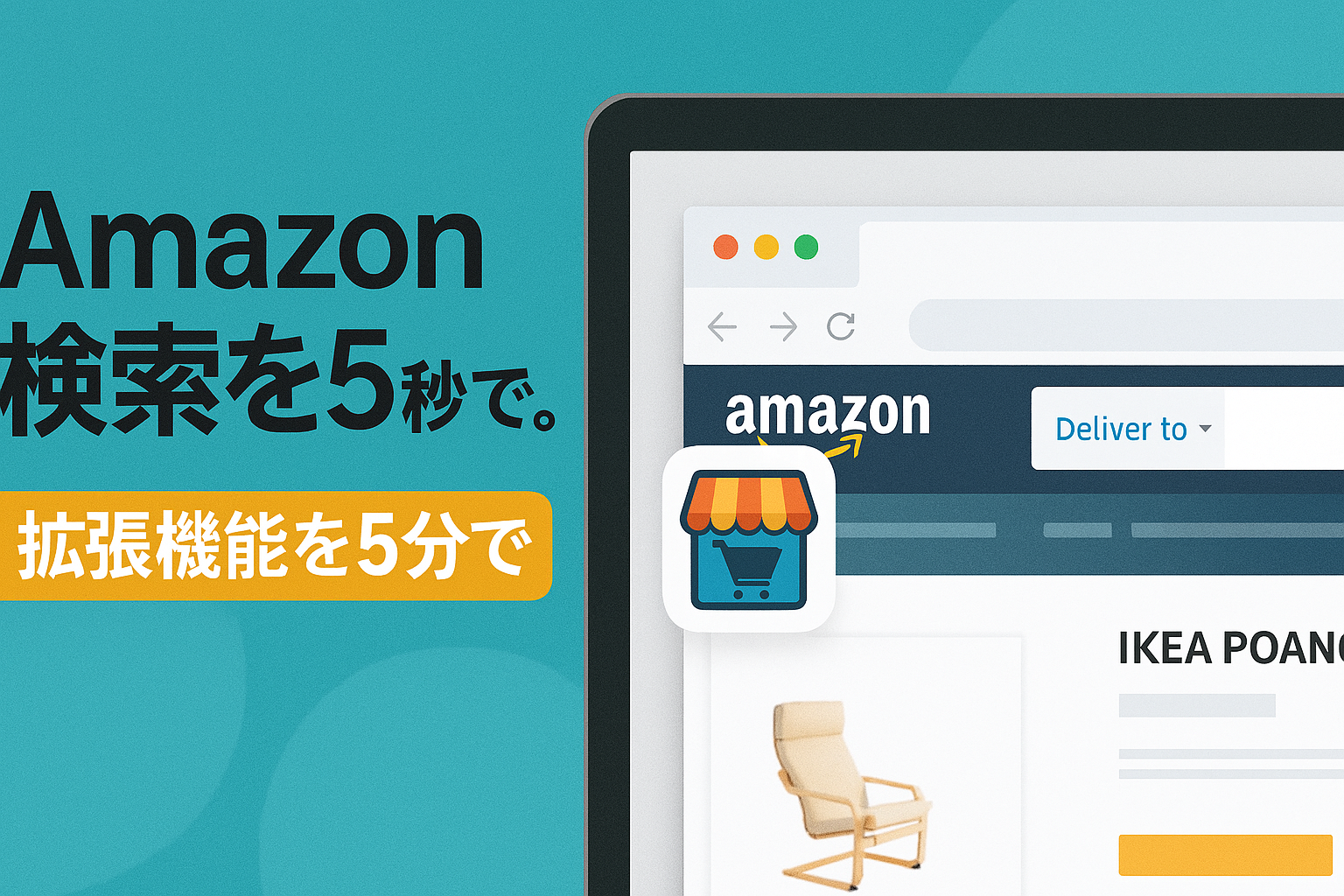
“I wonder if I could make an extension myself?”
That was the question I started with.
I was one of those people, too. But when I actually tried it—I finished it in just 5 minutes, to my surprise.
In this post, I’ll introduce the Chrome extension I developed:
Amazon Region AutoDetect
—I’ll walk you through the development process and what went on behind the scenes.
What I Wanted to Do Was Simple
- From product pages on Yodobashi, Rakuten, Yahoo!, and others
- Automatically extract the product name
- I wanted an extension that would search for it on the Amazon site for each region!
That’s how it all started.
After all, “copying and pasting to search every time” is surprisingly time-consuming.
I gave it a try—and it was done in 5 minutes.
I thought creating an extension would be much harder.
But just by asking ChatGPT (Codex) the following, I got code that was almost complete.
✅ The prompt I actually used (excerpt)
Please create a Chrome extension that retrieves product names from Yodobashi and Rakuten product pages, and searches for them on the Amazon site corresponding to the user’s browser language. I want it to work via both the right-click menu and a toolbar button.
After that, I finished the implementation with just manifest.json, popup.js, and a little HTML and CSS.
ChatGPT even gave me instructions on how to organize the files, so I didn’t get lost at all.
Key Features of the Extension
- No need to select the product name
- Jump to an Amazon search with a right-click or a single button click
- Automatically switches to Amazon.co.jp, .com, .uk, etc., based on your browser language
- Supported sites: Rakuten, Yodobashi, Yahoo! Shopping, and many others
- No ads, no tracking, and ultra-lightweight
See it in action here:
🔗 View on the Chrome Web Store
Why did I decide to create this?
Whenever I wanted to search for products on Amazon,
the process of “selecting, copying, and pasting each item one by one…” was really a hassle.
Especially during sales or when I wanted to compare items, the urge to “check Amazon right now” kept piling up.
I created this extension to solve that “little hassle.”
And it made me realize once again that “small frustrations” are the seeds of new products.
In Closing
Even though it only took me five minutes to build, there’s value in simply “giving it a try.”
Once you build even just one extension, your world changes.
That moment when “I wish I could do this” turns into “I can do this myself” is truly a joy.
Primary sources checked
Important claims should also link to the relevant source in the article body.