How to Compare Search Console Clicks with GA4 Sessions
Align scope, landing page, dates, device, and country before investigating the expected difference between Search Console clicks and GA4 sessions.
3 min read
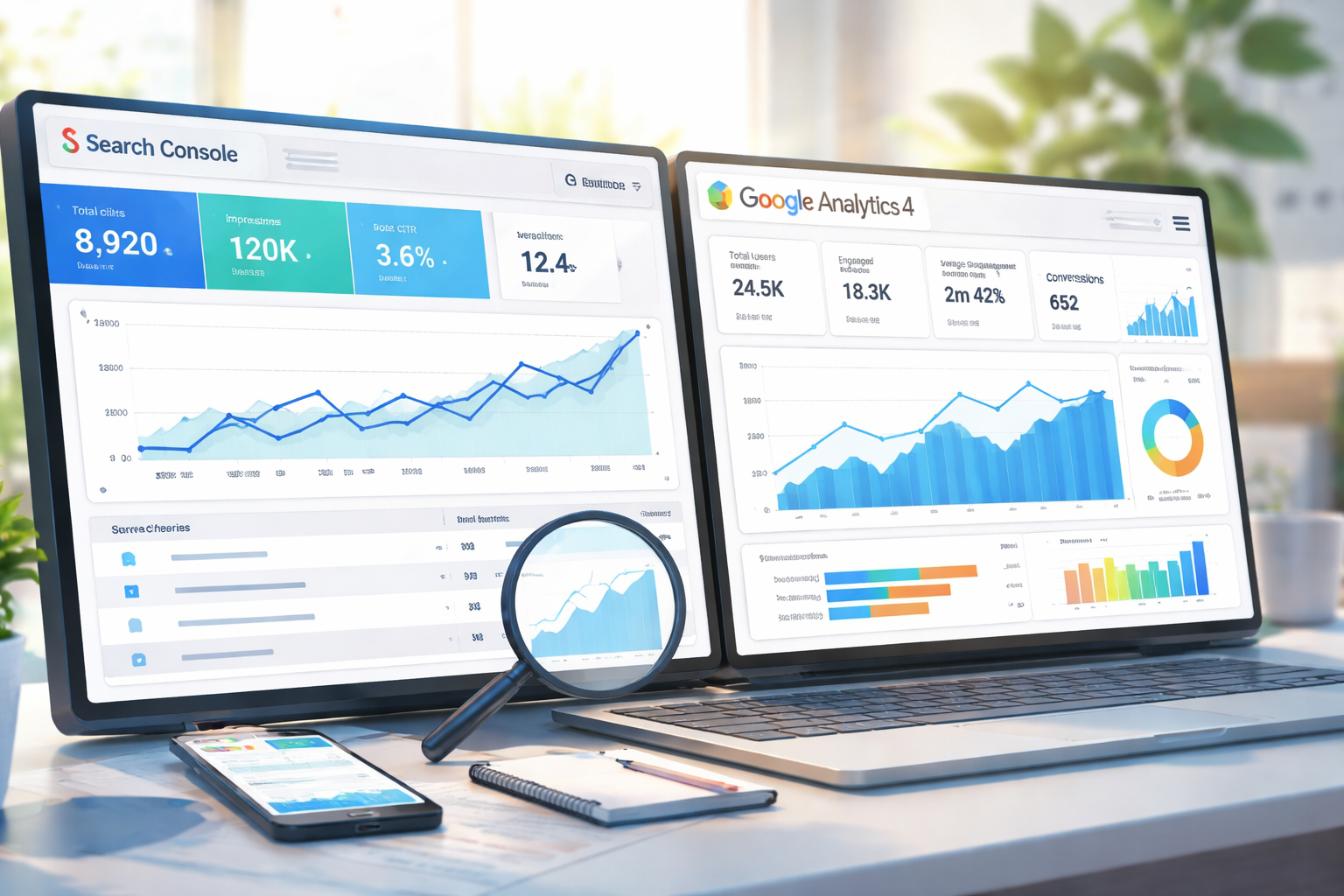
Search Console clicks and GA4 sessions are not designed to be equal. A difference is not, by itself, an error. Narrow both reports to comparable scope, then test whether a measurement or configuration issue explains an unusually large gap.
The metrics count different events
Search Console's metrics documentation defines a click in relation to a Google result that sends the user to an external page. A GA4 session is a group of measured interactions with a site or app during a time frame.
| Search Console | GA4 |
|---|---|
| Click from a Google result | Measured session on the site |
| URLs within the selected Search Console property | Pages in the selected data stream |
| Search type, country, and device conditions | Channel, consent, tag, and filter conditions |
GA4 All sessions includes non-search acquisition. Do not compare it directly with Search Console clicks.
Five steps to make the comparison useful
- Select the same date range.
- Record Search Console search type, country, and device filters.
- Limit GA4 to Google organic search.
- Compare the same landing pages.
- For pages with a large gap, inspect tag firing, consent, redirects, and canonical URLs.
The goal is to document comparable conditions, not to choose filters until the numbers match. Do not assume in advance that Search Console must be higher.
When using linked reports
Google's linking documentation says the integration provides Google Organic Search Queries and Google Organic Search Traffic reports. Creating the link requires Editor access in GA4 and verified-owner access in Search Console.
The integration does not make the two systems' metrics identical. Search Console metrics are compatible with a limited set of Analytics dimensions, and the Search Console report collection may be unpublished by default. Record the link and report configuration.
Diagnostic table
| Observation | Candidate check |
|---|---|
| GA4 drops across all pages at once | Measurement ID, tag, consent, deployment |
| GA4 differs only for some pages | Template, redirect, tag firing |
| Search Console reports a different URL set | Property scope, canonical, URL normalization |
| The gap appears only on one device type | Match device filters in both products |
| The edge of the date range differs | Record time zones and processing time; recheck later |
Do not assert browser blocking or network failure without evidence from the affected request. Save the URL, date, device, and tag state before narrowing the cause.
The correct conclusion is not that one product is authoritative for every question. Search Console measures search-result response; GA4 analyzes collected on-site behavior. Compare their trends only after aligning the shared landing page and conditions.
Do not mix other search engines into the comparison
GA4's entire Organic Search channel can include engines other than Google. When comparing with Google Search Console, filter, for example, session source / medium to google / organic and record the dimension used. First user source describes a different attribution scope from the current session.
In an illustrative period with ten Google organic sessions and five from another search engine, do not directly compare all fifteen with Google's clicks. Clicks and sessions still differ, so exact equality with ten is not a success criterion either.
Primary sources checked
Important claims should also link to the relevant source in the article body.
- Connect Search Console to Google AnalyticsGoogle · official-help · Checked: 2026-07-26
- SessionGoogle · official-help · Checked: 2026-07-26
- What are impressions, position, and clicks?Google · official-help · Checked: 2026-07-26