
How to Polish Your Email Text with ChatGPT Without Being Rude | Practical Prompts That Are Neither Too Formal Nor Too Cold
I’ll explain the steps for using ChatGPT to polish your email messages in a polite manner, based on official information and safety precautions.
15 min read
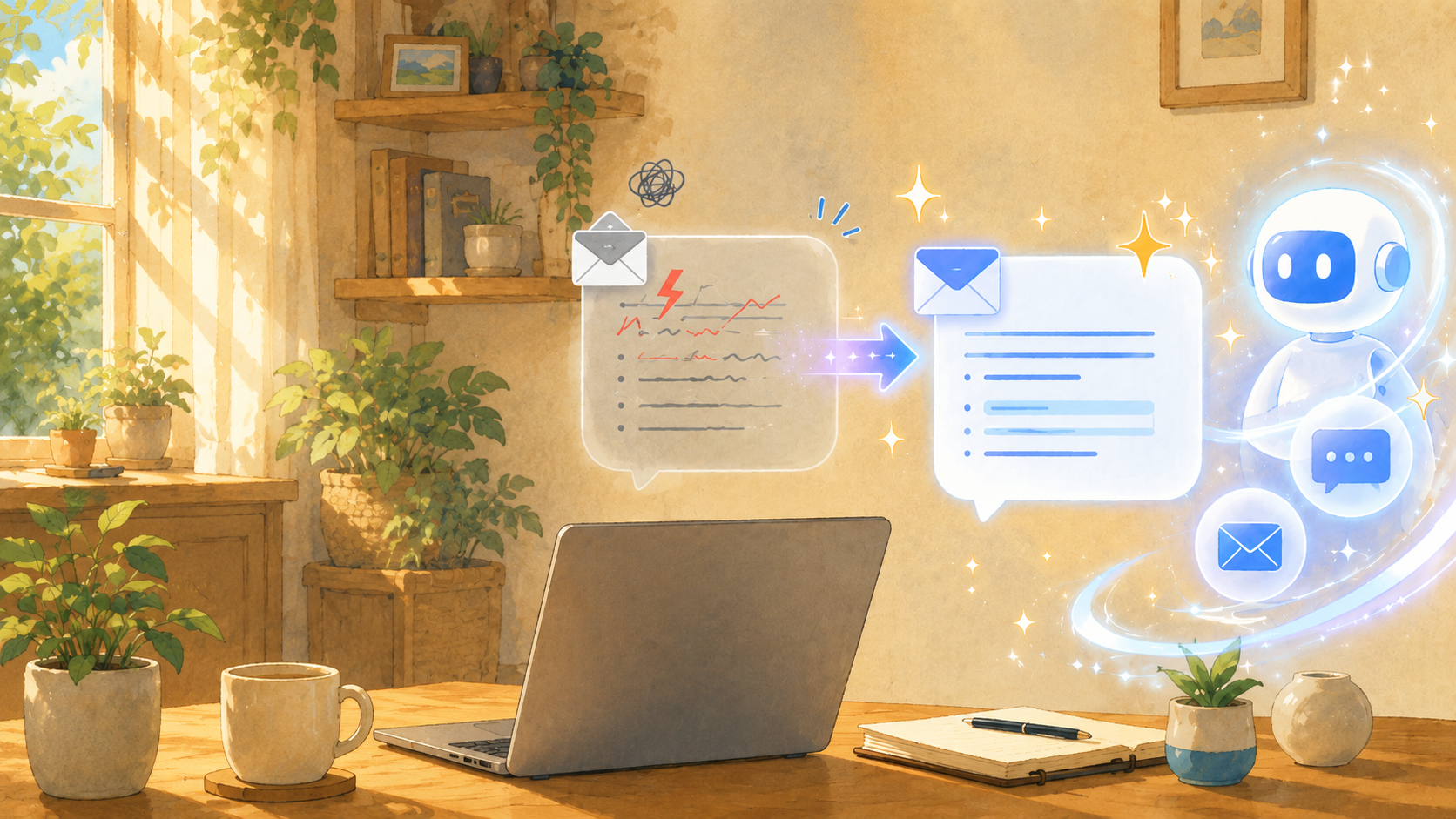
After writing an email, do you ever worry, “Is this phrasing rude?” or “Does this come across as a little cold?”
Especially with emails requesting work, declining requests, sending reminders, apologizing, or coordinating schedules, even a slight change in phrasing can alter the impression you make. Even if you intend to be polite, your message might come across as overly roundabout or, conversely, too businesslike and cold.
That’s where having ChatGPT polish your email drafts comes in handy. The official OpenAI website explains that ChatGPT can assist with drafting, rewriting, and summarizing text. Additionally, the OpenAI Academy’s “Writing with ChatGPT” course highlights how it can be used for workplace writing, adjusting tone, and refining text for readability.
This guide outlines specific instructions, precautions, and ready-to-use prompts for using ChatGPT to polish your emails without coming across as rude—all based on official information and safety considerations.
The Key to Having ChatGPT Polish Your Emails Is Communicating the “Purpose, Recipient, and Tone”
The key to having ChatGPT naturally polish your emails is not just to submit the body text, but to also specify “who” you’re sending it to, “why” you’re sending it, and “how formal” the tone should be.
OpenAI’s official help page, “ChatGPT Feature Overview,” lists drafting, rewriting, and summarizing as ChatGPT’s key functions. As of June 13, 2026, this page was confirmed to be up to date, and writing assistance is an officially supported feature. Additionally, OpenAI Academy’s “Writing with ChatGPT,” an official resource published on April 10, 2026, explains that ChatGPT can be used for drafting, revising, and adjusting the tone of workplace writing.
The benefits include the ability to quickly identify “phrases that come across as harsh” or “phrases that are too roundabout”—issues that are often hard to notice on your own— or “inappropriate use of honorifics”—that are difficult to notice on your own. For example, “Please reply as soon as possible” may come across as harsh depending on the situation, but it can be adjusted to a less confrontational phrasing, such as “I would appreciate it if you could review this at your convenience.”
A drawback is that if you submit a request without providing sufficient context, the resulting text may be unnecessarily formal or inconsistent with your actual relationship with the recipient. If the text is overly formal for a close business partner, it can actually create a sense of distance.
One important point to note is that you should not send ChatGPT’s output as-is; you must double-check at the end to ensure it fits your specific situation. In particular, for emails regarding apologies, money, contracts, deadlines, or handling complaints, a human must verify the facts and scope of responsibility.
Based on my observations, people who get it right don’t just stop at “Please make this message polite.” They include specific conditions such as “This is a business partner,” “It’s somewhat urgent,” “I want to avoid sounding accusatory,” or “Keep it brief.” Just adding these details can significantly improve the natural flow of the text.
Here’s a specific example of how to enter the prompt:
“Please refine the following email text so that it is not disrespectful to our business partner. Make the tone slightly polite, but not too formal. Please avoid any language that sounds accusatory.”
Simply adding this sentence makes it easier for ChatGPT to craft an email that goes beyond merely converting to polite language—it incorporates consideration for the recipient.
To Ensure Politeness, Ask for an “Impression Check” Before Asking for “Revisions”
The key to ensuring a polite email is to check “how this text comes across” before asking ChatGPT to rewrite it outright.
The OpenAI Academy’s “Writing with ChatGPT” guide on the official OpenAI website explains that ChatGPT can be used to adjust the tone of a text to suit a specific recipient. This can also be applied to checking the impression of an email. The source of this information is official corporate documentation. The publication date is April 10, 2026.
The benefit is that you can identify which parts of your writing come across as too strong and which are ambiguous. Rather than just receiving the revised text, you’ll understand “why that phrasing was changed,” making it easier for you to improve your own writing in the future.
The downside is that if you ask for too detailed an assessment of the impression, it can take a long time to draft the email. For urgent emails, there are times when it’s better to prioritize clear communication—ensuring the recipient doesn’t misunderstand—rather than striving for perfection.
One important point to note is not to let ChatGPT make the final judgment on whether something is “rude” or not. Aspects such as your relationship with the recipient, company culture, and past interactions are things only you can fully understand. It’s safest to use ChatGPT’s assessment as a reference and make the final decision yourself.
From personal experience, in follow-up emails, the phrase “What’s the status of the matter we discussed the other day?” can sometimes come across as harsher than intended. However, when looking at the email as a whole, it’s often the case that you’re not trying to blame the recipient but simply want to check on progress. In such cases, asking ChatGPT, “Please check if this comes across as accusatory,” makes it easier to soften the wording.
Specifically, use the following prompt:
“Please check if this email comes across as rude, cold, or pushy to the recipient. Point out any areas of concern and then revise it into natural-sounding language. ”
By phrasing the request this way, you can simultaneously assess the impression the text makes and improve it, rather than simply rewriting it.
Rewrite Follow-Up Emails Using “Non-Accusatory Language”
The key to drafting a polite follow-up email is to frame it as a “request for confirmation” rather than asking, “Isn’t it done yet?”
The official OpenAI Help page “ChatGPT Feature Overview” explains that ChatGPT understands natural language and can tailor its responses to the context. The source referenced is the company’s official help page. This document was last updated on June 13, 2026.
The advantage is that you can convey a sense of urgency while reducing the pressure on the recipient. For example, while “I haven’t received a reply yet” is a statement of fact, some recipients may perceive it as an accusation. Changing this to “I’m reaching out just to confirm” softens the impression, even though it’s still a reminder.
The downside is that if the tone is too soft, the sense of urgency may not come across clearly. If there is a deadline, you need to state it clearly, such as, “I apologize for the inconvenience, but I would appreciate it if you could confirm this by [Month] [Day].”
One thing to keep in mind is that simply including a phrase like “I apologize for bothering you during such a busy time” doesn’t automatically make the message polite. Even if you include a polite opening, the message will still come across as harsh if the main text is too forceful. The key is to clearly state your request while being considerate of the recipient’s circumstances.
From my observations, reminder emails that are less likely to come across as rude start by stating the “purpose of the confirmation.” Writing something like, “To ensure the smooth progress of this matter, I’d like to confirm this just to be on the safe side,” makes it more likely to be perceived as a business-related confirmation rather than a reminder.
As a concrete step, ask ChatGPT as follows:
“Please revise the following reminder email to use language that doesn’t blame the recipient. However, please make sure to clearly state that a reply is required by [Month] [Day].”
By specifying both a polite tone and a deadline in this way, you can create a practical email.
Including “Reason, Thanks, and an Alternative” in Decline Emails Helps Avoid Offending the Recipient
The key to drafting a polite decline email is not just to say no, but to include your thanks, the reason for the decline, and, if possible, an alternative.
OpenAI Academy’s “Writing with ChatGPT” explains that ChatGPT can be used to tailor the same content to suit the recipient and purpose. The source of this information is official corporate documentation. The publication date is April 10, 2026.
The advantage is that it makes it easier to maintain respect for the recipient even when declining a request. Simply stating “We cannot accommodate this request” can come across as cold, but phrasing it as “Thank you for reaching out. I’m very sorry, but we are unable to accommodate this request at this time” softens the impression.
The downside is that providing too much detail about the reason can make it seem like you’re making excuses. In a rejection email, concise and sincere phrasing is often more effective than explaining the circumstances in unnecessary detail.
One important point to note is not to be vague about what you cannot do. If you write “We’ll consider it,” the recipient might interpret this as leaving the possibility open. If you need to decline, it’s better to clearly state, “We will have to decline this request at this time.” or “It’s difficult for us to accommodate this request at this time,” to prevent misunderstandings later on.
From personal experience, rejection emails can sometimes become too long when you try to be too polite. However, what the other party really wants to know is “Can you do it or not?” and “What should I do next?” Even if the email is short, as long as it includes a thank you and a reason, it’s unlikely to come across as rude.
As a practical exercise, use the following prompt:
“Please revise the following rejection email so that it is not rude to the recipient. Include a thank-you, keep the reason concise, and, if possible, suggest an alternative.”
By phrasing the request this way, you’ll create a rejection that isn’t cold but also isn’t overly vague.
Apology Emails: “Minimize Excuses and Clearly State the Facts and Your Response”
The key to drafting a polite apology email is to organize the facts, express your apology, outline your response, and describe measures to prevent recurrence—rather than writing a long, emotional apology.
The official OpenAI Help Center explains that ChatGPT can assist with rewriting and summarizing text. The source of this information is the company’s official help center. As of June 13, 2026, the document shows that it has been updated. However, OpenAI’s official materials do not provide specific answers regarding the scope of liability or legal judgments in apologies. As of now, there are no officially confirmed documents on this matter.
The benefit is that it allows you to transform an apology—which can easily become emotional—into a calm and composed message. Rather than repeatedly saying “I’m sorry,” it is better to clearly state “what happened” and “how we will address it,” as this tends to put the recipient at ease.
A drawback is that ChatGPT may craft a response that admits too much responsibility. For example, writing “It was our mistake” at a stage when the cause has not yet been determined may make it difficult to correct the statement later.
It’s important to prioritize fact-checking in apology emails. If the matter involves contracts, damages, complaints, personal information, or money, you must consult your supervisor, the relevant department, or an expert. While ChatGPT can be used to refine the wording, it cannot replace your judgment regarding liability.
From my observations, a good apology email is not defined by the number of times “I’m sorry” is used, but by clearly stating “what will be done next.” The recipient is looking not only for words of apology but also for a commitment to preventing recurrence and concrete actions to address the issue.
For specific actions, enter the following:
“Please use the following apology email, replacing ‘excuses’ with…”"Please structure the text so that it doesn’t appear [a certain way]. Organize the content in the following order: facts, apology, corrective measures, and measures to prevent recurrence. However, please avoid language that excessively acknowledges responsibility."
Including this guideline makes it easier to maintain sincerity while avoiding risky assertions.
Do Not Enter Personal Information or Confidential Company Information Directly
The key to safety when using ChatGPT to draft emails is to avoid entering personal information or confidential company information directly.
On June 2, 2023, the Personal Information Protection Commission published “Guidance on the Use of Generative AI Services.” The sources referenced in this document are materials from government and public agencies. This document indicates that when entering information—including personal information—into generative AI services, caution is required regarding the purpose of use and the relationship to the individual’s consent.
The advantage is that you can use ChatGPT’s text-refining features while maintaining safety. Even if you omit names, addresses, phone numbers, customer names, contract amounts, project names, and the like, the text’s politeness and structure can still be adequately refined.
The downside is that if too much information is redacted, ChatGPT may not be able to correctly understand the context. Therefore, rather than deleting information entirely, replacing it with placeholders such as “Client A,” “Contact B,” or “Product Name C” can enhance security while preserving context.
It is important to note that email bodies often contain more personal and confidential information than one might expect. You’ll also need to check the signature, email address, phone number, company name, invoice amount, order number, and attachment names.
From personal experience, even when you think you’re only looking at the email body, personal information can sometimes remain in the signature block or past quoted text. To be safe, get into the habit of extracting only the body text and replacing proper nouns before pasting it into ChatGPT.
Specifically, you should make the following substitutions:
Change “Mr. Taro Yamada” to “Client A,” “XX Co., Ltd.” to “Business Partner A,” and “Invoice Amount: 123,456 yen” to “Invoice Amount: X yen.”
Then, submit the following request to ChatGPT:
“I have redacted personal and company names. Please revise the email text below so that it is polite and respectful toward our business partner.”
This method makes it easier to ensure both the quality and security of your text.
Ready-to-Use ChatGPT Email Polishing Prompts
The key to having ChatGPT polish email text without being rude is to prepare prompts tailored to specific purposes, rather than having to come up with them from scratch every time.
The official OpenAI Help explains that ChatGPT can follow complex instructions and adjust its responses to fit the context. The source of this information is the official OpenAI Help Center. This document was last updated on June 13, 2026.
The advantage is that you won’t have to wonder “how to phrase your request” every time. Simply paste your email text and slightly adjust the purpose to handle follow-ups, refusals, apologies, schedule adjustments, and more.
The downside is that relying too heavily on templates can result in wording that doesn’t fit the relationship with the recipient. Templates are just a starting point; it’s important to put a little of your own voice back into the message at the end.
One thing to keep in mind is that even if ChatGPT’s output appears to use correct honorifics, it may not necessarily sound natural to the recipient. For example, sending an overly formal message to a close colleague within the company may come across as unnatural.
I’ve noticed that people who rarely make mistakes when formatting emails often add adjustments at the end, such as “Make it a bit more natural,” “Keep it shorter,” or “Don’t make it too stiff.” Rather than trying to get it perfect on the first try, it’s more practical to make about two rounds of adjustments.
As a practical step, it’s helpful to save the following prompt:
“Please revise the email text below so that it is not rude to the recipient. Make it a polite yet natural business email that isn’t too stiff. If necessary, please suggest a subject line as well.”
For follow-up emails, use it as follows:
“Please revise the following reminder email to use language that doesn’t blame the recipient. While you want to convey that it’s urgent, please ensure the text doesn’t come across as too pushy.”
For declining a request, use it as follows:
“Please revise the following email declining a request so that it doesn’t cause any hard feelings. Include a thank-you, a concise reason, and a phrase that leaves the door open for future collaboration.”
For apologies, use it as follows:
“Please revise the following apology email to create a sincere and composed message. Ensure it doesn’t sound like an excuse, and clearly state the facts, the apology, and the corrective actions.”
For internal emails, use it as follows:
“Please revise the internal email below so that the tone is natural, neither overly formal nor rude. Although the relationship with the recipient is relatively close, ensure it appears professional as a work-related communication.”
By clearly defining the purpose for each specific use case in this way, ChatGPT’s output tends to be more consistent.
Summary
The key to using ChatGPT to polish email text without coming across as rude is not just to have it revise the body of the message as-is, but to clearly communicate the “recipient,” “purpose,” and “tone.”
The key points are: first, ask for feedback on the impression the email makes; when following up, avoid blaming the recipient; when declining a request, include both gratitude and a reason; and when apologizing, clearly state the facts and outline corrective actions. It is also important not to enter personal information or confidential company data directly, but to replace it with placeholders or pseudonyms.
According to official sources, OpenAI’s official help center explains ChatGPT’s drafting, rewriting, and summarization features, while OpenAI Academy, in a document published on April 10, 2026, introduces how to use the tool for creating workplace documents and adjusting tone. Additionally, in a public document dated June 2, 2023, the Personal Information Protection Commission urges caution when entering personal information while using generative AI services.
If you want to take action right now, choose one email you’ve sent in the past, redact any personal information, and try entering it into ChatGPT along with the following sentence:
“Please check whether this email comes across as rude, and revise it to make the wording polite yet natural.”
Anxiety about emails often stems from small turns of phrase, but if you use ChatGPT safely based on official information as of 2026, it can serve as a handy writing checker that practically alleviates those minor concerns.
Primary source checked
Primary sources checked
Important claims should also link to the relevant source in the article body.