
How to Review Smartwatch Health Data Without Diagnosing Yourself
Record heart rate, sleep, respiratory rate, temperature, and other wearable data with measurement conditions and symptoms instead of using universal diagnostic cutoffs.
2 min read
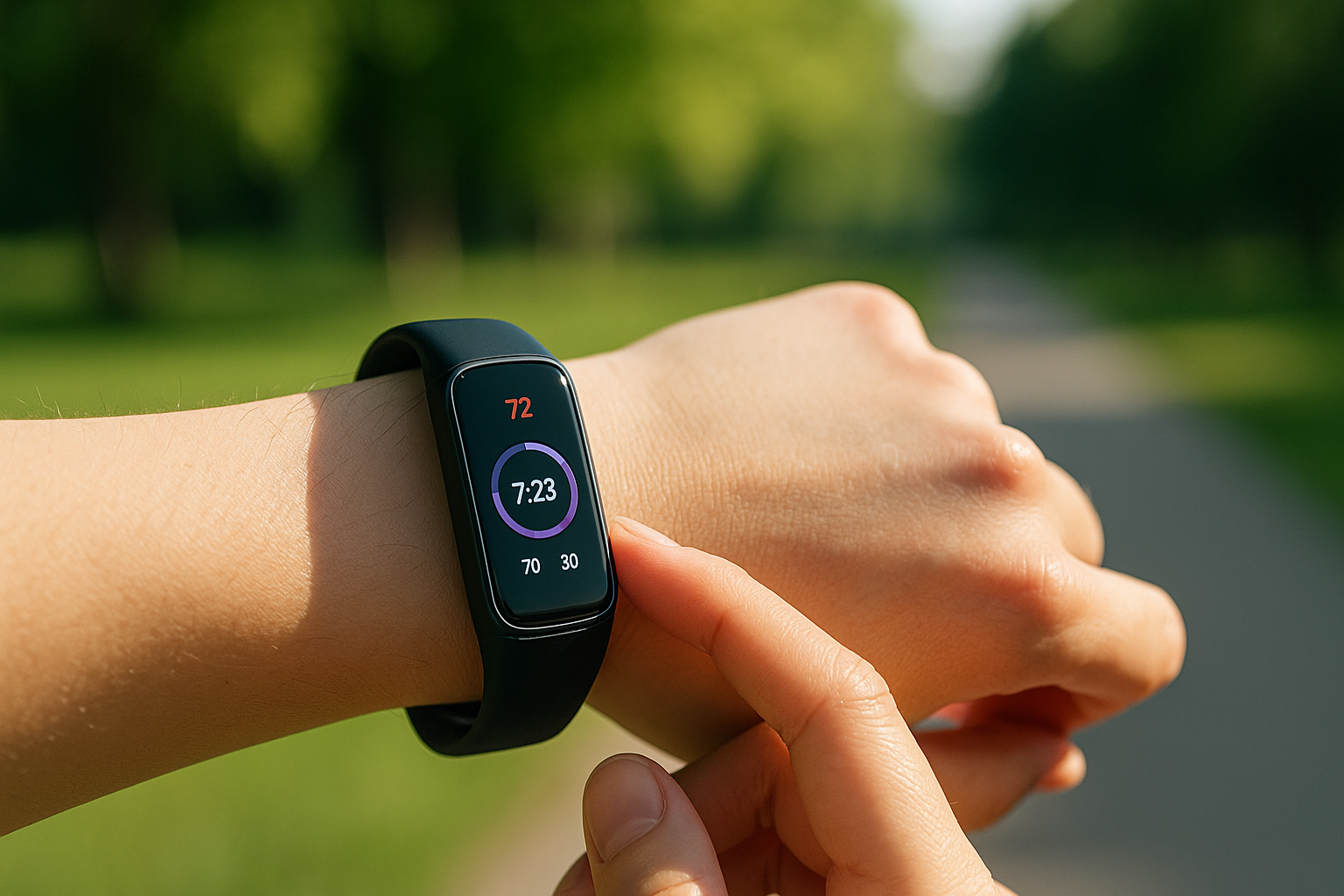
A smartwatch can help record changes when the same device is used under similar conditions. A displayed heart rate, sleep score, respiratory rate, oxygen estimate, or wrist temperature should not be converted into a diagnosis using unsupported universal cutoffs.
Confirm the device's intended purpose
Available measurements, regions, supported models, and regulated medical functions vary. The FDA's digital health technology overview describes uses ranging from general wellness to medical devices. Check the exact model's labeling instead of assuming every health screen is a diagnostic function.
Record conditions, not only a score
Apple explains that its Vitals app estimates a typical overnight range and that factors such as medication, elevation, alcohol, and illness can affect measurements. It also states that the measurements are not intended for medical use. See the current Apple Vitals documentation for model and region limitations.
For any brand, note whether comparisons share:
- the same wrist and placement;
- the same device and software version;
- adequate sensor contact and battery;
- comparable sleep, exercise, alcohol, and bathing conditions; and
- the same treatment of missing or unavailable readings.
Use a five-column log
| Time | Metric shown | Measurement conditions | Symptoms or event | Next action |
|---|---|---|---|---|
| Example: morning | resting rate shown above usual | four hours of sleep, alcohol the prior evening | fatigue | rest and seek advice if it continues |
Use the history from the same device to understand “usual.” Scores produced by different vendors and algorithms are not directly interchangeable.
Do not let the watch decide
- whether a sleep, infectious, respiratory, or heart condition is present;
- the urgency of a single oxygen estimate;
- whether symptoms can be ignored because a score looks normal; or
- whether medication should be started, stopped, or changed.
For chest pain, severe breathing difficulty, altered consciousness, or another possible emergency, contact local emergency services without waiting for another wearable reading. For ongoing symptoms, bring the log, device model, and feature name to a qualified clinician.
Conclusion
The useful role of a smartwatch is a time-stamped record of measurements, conditions, and change from the user's own pattern—not automated diagnosis. Verify the product's intended use, record symptoms alongside readings, and leave medical decisions to qualified care.
Primary sources checked
Important claims should also link to the relevant source in the article body.
- Track your overnight vitals with Apple WatchApple · provider-primary-source · Checked: 2026-07-26
- Focus Area: Digital Health TechnologiesU.S. Food and Drug Administration · government · Checked: 2026-07-26