
What Are ChatGPT’s New Image Generation and Editing Features? A Summary of Its Evolution as of December 2025
This article outlines the capabilities and limitations of the latest image generation and editing features built into ChatGPT and explains practical ways to use them.
4 min read
Introduction
ChatGPT’s image capabilities have clearly evolved in recent times.
While ChatGPT used to be strongly associated with being an “AI that excels at text,” it can now naturally generate and edit images all within the same interface.
Behind this change lies the release of OpenAI’s latest GPT Image models.
The reason these models are attracting attention is that they are designed not just for simple image generation, but with the ability to “create while conversing” and “make adjustments later” built right in.
Based on information as of December 2025, we’ll take an objective look at what is now possible with ChatGPT’s new image features, as well as what still poses challenges.
Overview of the New Image Generation and Editing Features
High-Precision Image Generation from Text
ChatGPT’s Images feature allows you to generate images from natural Japanese sentences.
Even abstract descriptions—such as “a photo of an interior with a calm atmosphere” or “a realistic photo that looks like it was taken in a park in the fall”—are rendered with relatively consistent results.
A key feature is that it works with descriptions that closely resemble everyday language, without the need to write specialized prompts (instructions).
Editing Existing Images Using Natural Language
After uploading an image,
- “Please remove this part”
- “Please make the whole image a little darker”
you can edit the image using conversational instructions like these.
While precise editing is difficult at this stage, it is practical enough for simple corrections and adjusting the overall mood.
Flexibility in Specifying Composition, Style, and Mood
You can use words to specify the subject’s position, angle of view, and the impression of the background all at once.
Since there’s no need for detailed numerical settings or technical jargon, it makes trial and error much easier.
Improvements in Text Representation and Consistency Within Images
Text rendering within images—which was prone to errors in conventional image-generation AI—has become relatively stable for short alphanumeric characters and simple words.
Additionally, visual inconsistencies when generating multiple images on the same theme tend to be reduced compared to before.
Differences from Conventional Image-Generation AI
Understanding of Japanese Prompts
ChatGPT’s image generation feature is designed to easily grasp the meaning of long Japanese descriptions and supplementary conditions.
Constraints such as “Don’t draw people,” “Make it look realistic,” and “Keep the background simple” are also reflected with relative accuracy.
Designed for Iterative Improvement
Rather than aiming to create a perfect image on the first try,
Generate → Receive Feedback → Revise
is a natural, repeatable process that defines its functionality.
This is a unique strength of ChatGPT, stemming from the integration of image-generation AI and conversational AI.
Specific Use Cases
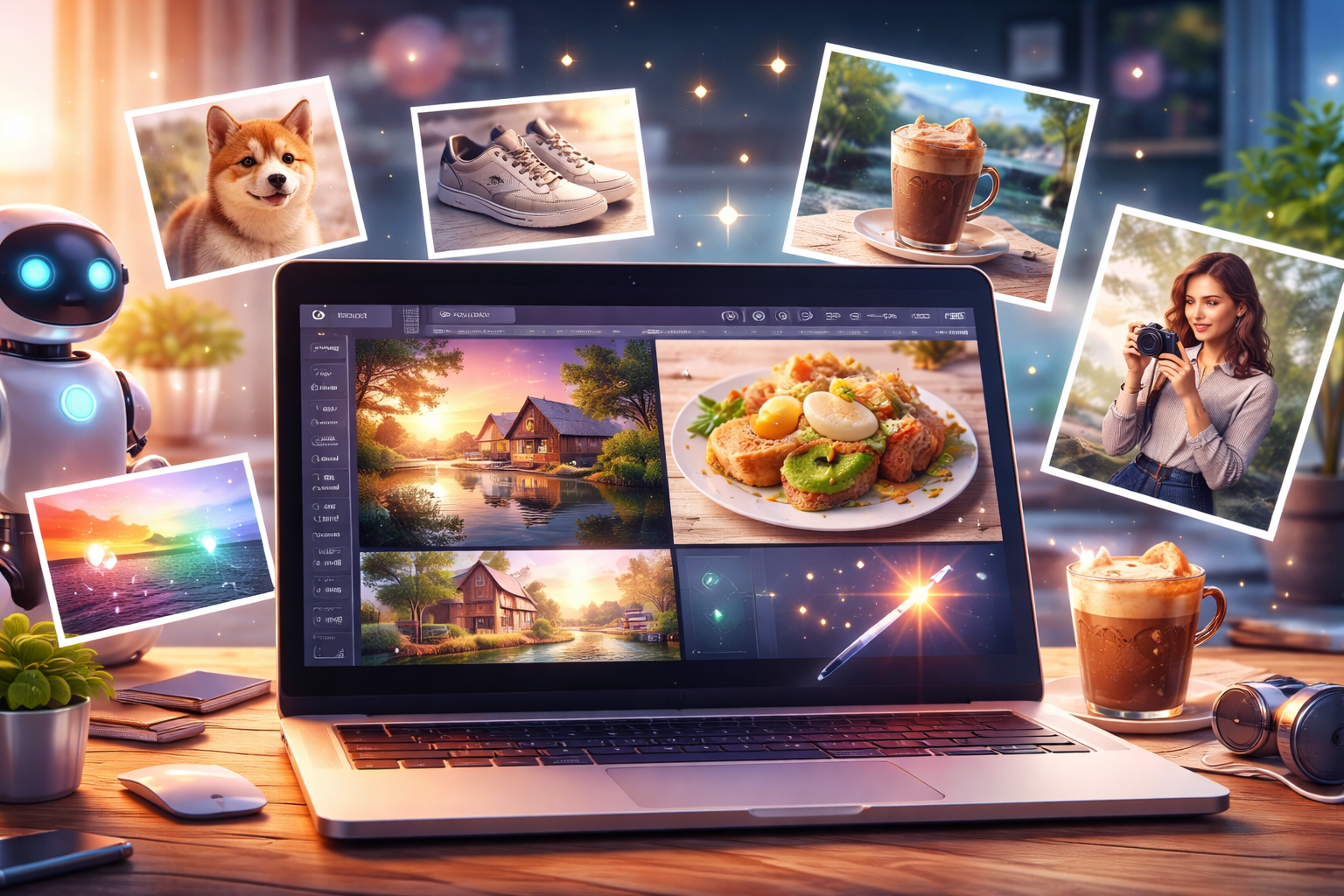
Featured Images for Blogs and Web Media
Simply describe the article’s content to generate a landscape-oriented image that matches the tone.
This is effective when you want to reduce the time spent searching for stock photos.
Creating Images of Products, Food, and Small Items
Even without actual photos, you can create concept images based on a description.
This is ideal for the planning stage or for sharing visual concepts.
Changing the Mood of Photos and Removing Unwanted Objects
Using an existing photo as a base, you can adjust the color tone or remove simple unwanted objects.
For light retouching, you may not even need to use specialized software.
Visuals for Social Media and Illustrations for Presentations
Since you can quickly prepare clear, explanatory visuals, this tool is also useful for social media posts and creating presentation materials.
Precautions and Current Limitations
Cases Where It May Struggle
- Images requiring the precise placement of long blocks of text
- Strict reproduction of specific brands or logos
- Perfectly recreating complex compositions in a single attempt
These cases currently require manual adjustments.
Precautions for Commercial Use
Regarding the commercial use of generated images, it is essential to review OpenAI’s latest Terms of Service and guidelines.
Particular caution is required when depicting people or designs similar to existing ones.
Potential Changes to Specifications
Image models and behavior are continuously updated.
What is currently possible—and what is not—may change in the future.
Summary
ChatGPT’s new image generation and editing features
excelle at refining images through verbal consultation.
They are becoming a practical option for people who aren’t comfortable using specialized tools or who want to efficiently prepare images for blogs or presentations.
However, it is not a one-size-fits-all solution.
By using it with an understanding of its capabilities and limitations, ChatGPT’s image features can be fully leveraged in practical work scenarios.
Given that it is still evolving, this is a feature worth keeping an eye on.