
Are ChatGPT GPTs Going Away? 2026 Retirement and Plugin Migration
GPT retirement dates, migration limits, and what creators and users should check before switching to Plugins.
6 min read
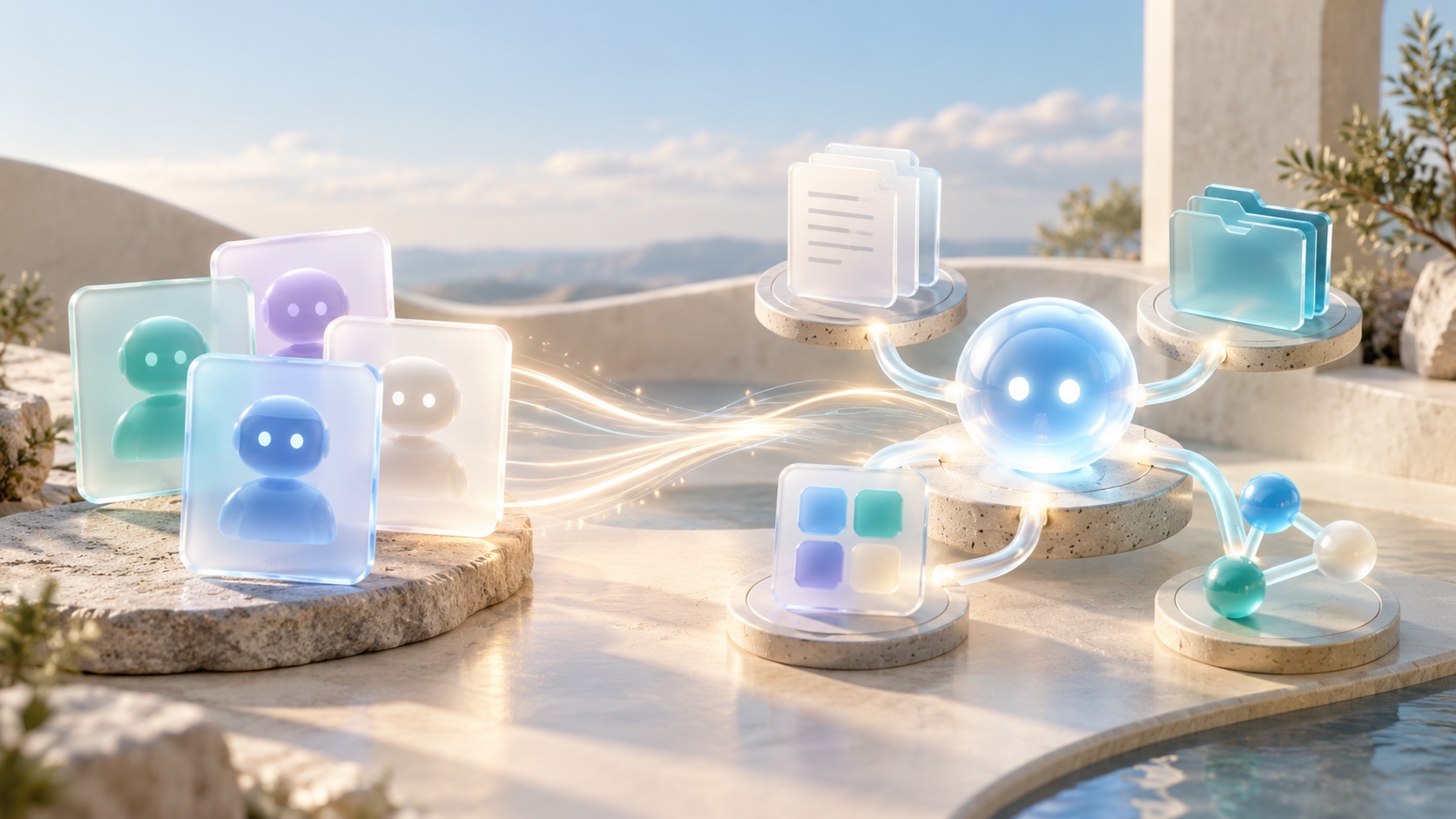
If you rely on a GPT in ChatGPT, news that GPTs are going away can sound like an immediate shutdown. You may be wondering whether your assistant will disappear today, what happens to one you created, or whether your conversations will be lost. The short answer is that custom GPTs are not scheduled to disappear immediately. OpenAI plans to retire custom GPTs and provide a migration path for creators to move workflows into Plugins. The standard scheduled retirement date is December 11, 2026, while migration access and applicable timelines may vary by account or workspace. This guide uses official information checked on October 9, 2026, to explain the schedule, what transfers, what does not, and what creators and users can do now.
When are ChatGPT GPTs scheduled to retire?
OpenAI says the transition affects all ChatGPT plans. The standard scheduled retirement date for custom GPTs is December 11, 2026. Affected Enterprise workspaces may receive an extension to February 11, 2027, but only if they qualify for and receive approval for a deferral. That later date does not apply to every Enterprise customer. OpenAI’s retirement and migration FAQ
This is a planned transition, not an announcement that all existing GPTs stopped working immediately. Existing GPTs can remain usable until the retirement date that applies to them, subject to current permissions and workspace settings. Once a creator migrates a GPT, the original becomes read-only. On the applicable retirement date, the GPT and its page become inaccessible.
The exact date and migration option shown to you may depend on where the GPT was created and how rollout is progressing. A target date for migration does not guarantee that every account can use the feature on that day. Check the in-product notice for the account or workspace that owns the GPT. If you use several accounts, identify which one created it; permissions and timelines follow that account or workspace.
Creating new GPTs is a separate issue from retiring existing ones. As of October 2026, OpenAI’s creation guide says personal Free, Go, Plus, and Pro accounts cannot create or publish new GPTs. Existing GPTs may still be usable or editable if the account’s plan and permissions allow it. Business, Enterprise, and Edu workspaces can create and edit GPTs only when their workspace settings permit it. OpenAI’s guide to creating and editing GPTs
What are Plugins, and how are they different?
OpenAI describes a Plugin as a way to package reusable instructions and capabilities for a workflow. A Plugin may include one or more connected apps, skills that provide instructions, app templates, or extensions. Some Plugins contain only a skill and do not connect to an outside service. When a Plugin does use an app, access still depends on that app’s authorization and the relevant workspace permissions. OpenAI’s Plugins guide
In the planned migration, a GPT’s instructions become a skill in the new Plugin, its knowledge files are copied as reference files, and connected apps are added to the Plugin. The selected model does not carry over. You should therefore treat the result as a replacement workflow that needs checking, rather than a guaranteed one-to-one copy.
Custom Actions are a key exception: they do not transfer automatically. If your GPT calls an external API through a custom Action, check whether an available app can perform the needed tasks. Rebuilding an integration may require a custom MCP server and additional technical setup. Test that connection separately, and do not assume it will reproduce every behavior of the original Action.
What creators should do before migrating
Start by listing the GPTs you created and deciding which ones still support work you need. Migration uses the latest published version. Drafts and unpublished edits are not included, so finish any changes you want to keep before you migrate. Publishing for migration does not require making a GPT public.
Write down the tasks each GPT handles, its reference files, connected apps, and any custom Actions. Save a few familiar prompts, including at least one difficult case. After migration, compare the Plugin’s answers with those examples. Check that it follows the instructions, consults the expected files, returns the right format, and has the tools and integrations the workflow needs. If it behaves differently, resolve the differences before depending on it.
Sharing must be reviewed separately. The migrated Plugin starts private. Migration does not carry over the GPT’s sharing settings, automatically install the Plugin for its users, or grant those users access. If a team relies on the GPT, confirm who needs the replacement, what workspace permissions are required, and whether each intended user can install and use it. A user’s access to the original GPT does not guarantee access to its replacement.
What if you only use someone else’s GPT?
You do not need to migrate a GPT that someone else created, and being allowed to use it does not grant you permission to move it. Look for a notice on the GPT and for guidance from its creator. Ask whether they plan to offer a replacement, then check that the replacement is available to your own account before switching.
Public access to a GPT is not a promise that the replacement will be public or available to the same people. OpenAI notes that public GPTs created in affected Enterprise workspaces can be part of the transition even if someone uses them from a personal account. The creator’s workspace and its applicable timeline matter. If a GPT supports an important recurring task, record the task and the creator’s name now so you can find an alternative if one is needed.
There is one reassuring detail: existing conversations with custom GPTs are expected to remain accessible after retirement. You do not need to take action to preserve those conversations. Conversation history remaining available does not mean the GPT itself or its page will still work, however. Save any outputs or reference material you will need independently of the GPT.
A practical checklist for this month
Creators can open My GPTs, identify the assistants they maintain, and separate those they will keep from those they can retire. For each GPT to keep, review unpublished changes, files, connected apps, Actions, sharing, and the tasks users depend on. Watch for the migration option in the account where the GPT was created. If it is not visible, the rollout may not have reached that account yet, or plugin access may be disabled in the workspace.
Users can note the GPTs they use regularly, what they use them for, and who created them. For a work-critical GPT, check the workspace notice and ask an administrator about the replacement and access policy. When a Plugin becomes available, test it with normal requests and at least one edge case before making it part of a routine. That small trial can reveal missing files, permissions, or integrations while there is still time to adjust.
Summary
Custom GPTs are not disappearing immediately, but OpenAI plans to retire them and move creator workflows to Plugins. The standard scheduled date is December 11, 2026; February 11, 2027 applies only to some Enterprise workspaces with an approved deferral. Follow the notice for the account or workspace that created the GPT because migration access and applicable dates can vary.
Creators should finish and publish needed edits before migrating, then test the Plugin and review Actions, connected apps, and sharing. Users of someone else’s GPT should watch for the creator’s replacement and confirm access. Conversations are expected to remain available, while GPT pages will not remain accessible after retirement.
Choose one GPT you rely on and test its usual prompts in the replacement before the deadline turns a quiet migration into an urgent one.
Primary sources checked
Important claims should also link to the relevant source in the article body.
- Custom GPT retirement and migration FAQOpenAI Help Center · official-help · Checked: 2026-10-09
- Creating and editing GPTsOpenAI Help Center · official-help · Checked: 2026-10-09
- Plugins in ChatGPTOpenAI Help Center · official-help · Checked: 2026-10-09